Fleet Management Software UK: What to Look For Before You Buy
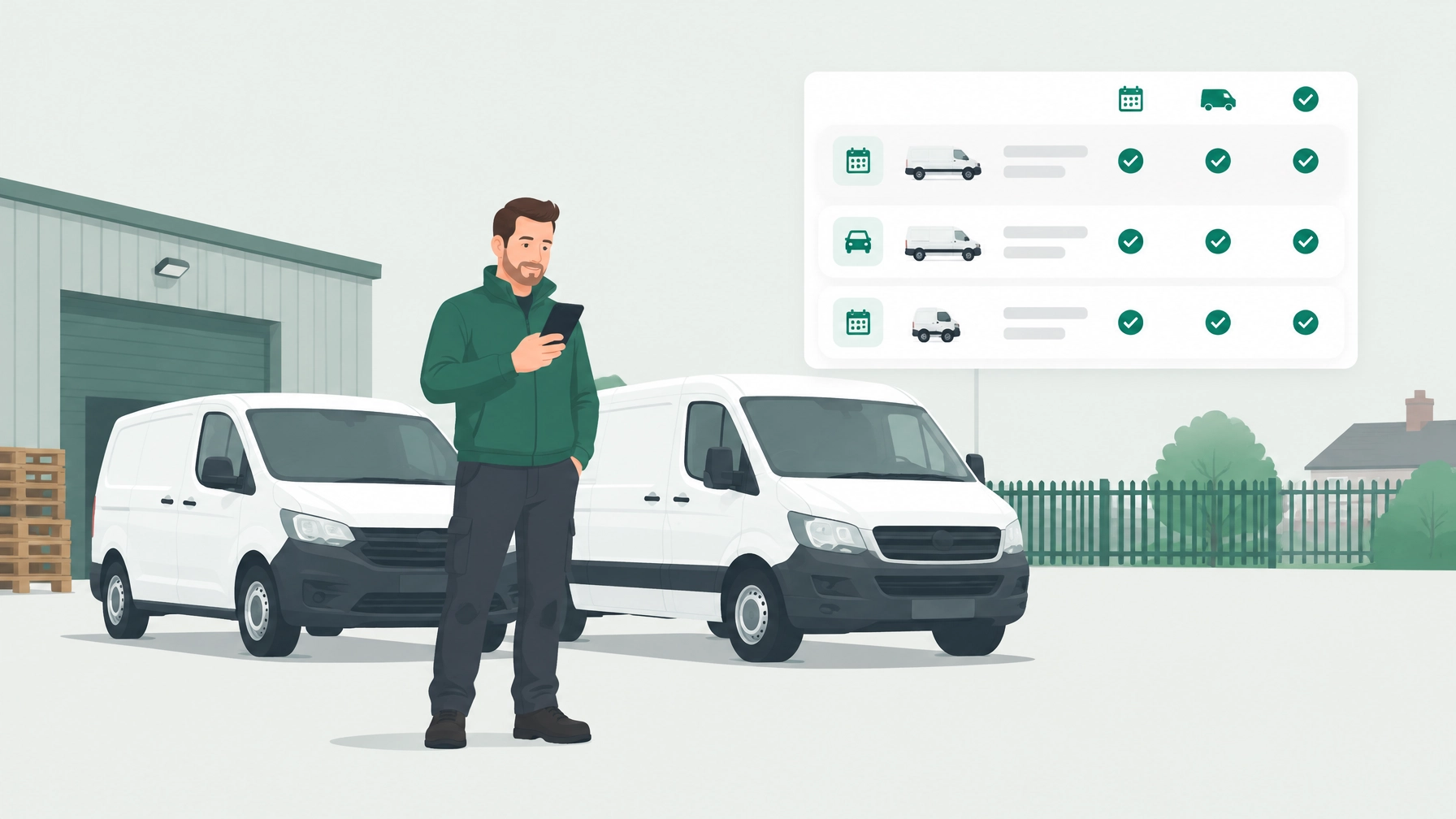
If you’re choosing fleet management software in the UK, look for tools that make vehicle dates, driver checks, defects, accidents and costs easier to manage, without making everyday tasks harder for you or your drivers. This buyer’s checklist will help you compare options for a small business fleet, ask useful questions and spot costs or limitations before you sign up.
Meta description: Choosing fleet management software in the UK? Use this practical checklist to compare reminders, driver checks, costs, data access and pricing for a small business fleet.
Start with the jobs you need the software to do
“Fleet management software” can mean quite different things. Some products focus on vehicle tracking and route planning; others help with compliance dates, driver checks, maintenance records or running costs. Before comparing features, write down what you actually need.
For a small business with a handful of cars or vans, keeping MOT and insurance dates visible and collecting driver checks may be more useful than paying for tools built around a large depot. If you’re managing a larger operation, you may need extra controls, reporting or integrations.
A good shortlist should match the way your vehicles are used, and be simple enough that your team will keep using it.
The small fleet management software checklist
Use these questions when comparing any fleet management app or platform.
1. Are UK vehicle dates easy to keep up to date?
Check which dates the software tracks: MOT, vehicle tax, insurance renewal and servicing. Then find out how those dates get into the system.
There’s a difference between a reminder tool that asks you to type in every date and one that can fill in some details from a reliable source. For example, Motorlane Fleet looks up a vehicle’s make, model and MOT expiry from DVSA data when you add its registration, then checks MOT details weekly. Road tax, insurance and service dates are added by you.
Ask any provider:
- Which dates are imported automatically, and from where?
- Which ones do I need to enter or maintain myself?
- Can I see upcoming and overdue dates across all vehicles?
- Can I set reminders for more than one person?
You can check an MOT history on GOV.UK. Remember that reminders help you keep track; they don’t make a vehicle legal or roadworthy. You remain responsible for your vehicles and records.
For more detail on what a reminders feature can cover, see Motorlane Fleet’s reminders.
2. Will drivers complete checks without a fuss?
A process that looks tidy in the office isn’t much help if it’s awkward at the roadside. Ask drivers to try a check on their own phones during a demo or trial. Look for clear steps, a way to report a defect and an easy method for attaching a photo.
Paper sheets can be hard to find later and may take extra effort to pass back to the person managing the vehicles. A phone-based check can make it easier to submit information where it’s needed. Check whether drivers need to download an app, create a login and find the right vehicle each time.
Motorlane Fleet lets drivers complete checks in a phone browser, without downloading an app. A QR sticker can take them to the check for that vehicle. Find out more about driver access and checks, and use this van walkaround check guide for a practical checklist.

3. What happens after a defect or accident?
A check is only one part of handling a problem. Ask how a reported defect reaches the person responsible, how its status is recorded and whether you can keep a record of what was done.
For accident reporting, check whether drivers can find the right contact details and record useful information, such as photos and details of the incident. A guided report can help gather information while it’s fresh, but it doesn’t replace following the law, your insurer’s instructions or emergency advice.
See how Motorlane Fleet handles defect and accident reporting. Its accident feature includes a step-by-step report and a record for tracking the claim.
4. Can you see what each vehicle costs to run?
If you want to understand where the money goes, check how the software records costs and whether you can view them by vehicle. Useful details might include repairs, tyres, fuel, mileage and cost per mile.
Ask how a cost per mile figure is calculated and what information is needed for it to be useful. The result depends on the records entered, so check that the process suits the information you already collect.
Motorlane Fleet’s cost tracking lets you record vehicle costs and fuel, and view costs by vehicle.

5. Is it straightforward to add or remove drivers?
As your team changes, you’ll want to invite new drivers and remove access for people who leave. Check who can see each vehicle’s information and what happens to past checks and reports when a driver’s access is switched off.
Also ask whether drivers are included in the subscription or billed separately. Per-driver fees can make a growing team more expensive, so compare the cost for your current team and the number of drivers you might need later. Motorlane Fleet includes unlimited drivers on its plans; its driver features explain how access works.
6. Can you access your data and leave with a usable copy?
Before signing up, ask who owns the vehicle and driver records, what you can export, and what happens to your data if you cancel. Don’t rely on a general promise that “your data is available”: ask to see an example export and check that it includes the information you need.
Look for clear answers about formats, attachments, cancellation and data deletion. Confirm whether exporting is self-service or requires help from the provider. These are sensible questions for any fleet management software provider.
Common traps for small fleets
A low headline price may not show the full cost. Check the total for your fleet size, including any fees for drivers, add-on features, onboarding or a longer contract.
In particular, watch for:
- Paying for features you won’t use. Decide whether you need things like route planning or vehicle tracking before including them in your comparison.
- Per-driver pricing. It can make the bill grow as you add staff, even when your vehicle count stays the same.
- Software designed around large depots. Lots of controls can be useful for a bigger fleet, but unnecessary complexity may get in the way for a small team.
- Long commitments. Check the minimum term, cancellation process and what happens to your information if you leave.
A simple fleet management app may be enough for one business, while another may need more advanced tools. Compare against your actual jobs rather than a long feature list.
How to choose in three steps
- List your vehicles and dates. Note registrations, vehicle types, drivers, and the MOT, tax, insurance and service information you need to manage. Mark what you currently enter by hand.
- Trial the software with real vehicles. Add a couple of vehicles, ask a driver to complete a check, report a defect and try the cost-recording process. Test what you can export.
- Check the cost when you grow. Compare the price for your current fleet and a larger one. Include driver fees, feature limits and the contract terms.

One option for UK small businesses
Motorlane Fleet is designed for managing vehicle dates, driver checks, defects, accidents and running costs. It may suit businesses looking for those features without a separate driver app download. Every plan includes every feature, and drivers are free, with unlimited drivers.
Its published monthly prices are:
- Family: £4.99 for up to 4 vehicles
- Small fleet: £10.99 for up to 10 vehicles
- Medium fleet: £19.99 for up to 25 vehicles
- Large fleet: £34.99 for up to 50 vehicles, then 75p per additional vehicle
The 14-day free trial requires a card, but there’s no charge before day 14. You can cancel any time. See the full details on the pricing page, or read about options for small businesses and larger fleets.
Whatever software you choose, make sure you can understand the price, use the main features in a realistic trial and access your records if you move on. For general vehicle information, check GOV.UK; this article is general information, not legal advice, so check the relevant guidance and your insurer.
If you’d like to see whether Motorlane Fleet suits your vehicles, you can try it free for 14 days. Plans start at £4.99 a month, and drivers don’t need to download an app.
Try Motorlane Fleet
Reminders, driver checks and accident help for your vehicles, all in one app.
Get started freeMore from the blog
How to Report a Car Accident in the UK: Who to Tell and What to Record
Find out how to report a car accident in the UK, who to contact, when police must be told and what details to record for your insurer or employer.
Read →How to Check and Renew Your Vehicle Tax (Without Losing Track Across Several Vehicles)
Check your vehicle tax for free on GOV.UK, renew it using a V11 or V5C, and keep track of tax dates across several cars or vans.
Read →What Happens If Your MOT Expires: The Practical To-Do List
MOT expired? Follow this practical checklist to check the date, book a test, sort tax and SORN, and understand when you can drive your vehicle.
Read →