How to Check and Renew Your Vehicle Tax (Without Losing Track Across Several Vehicles)
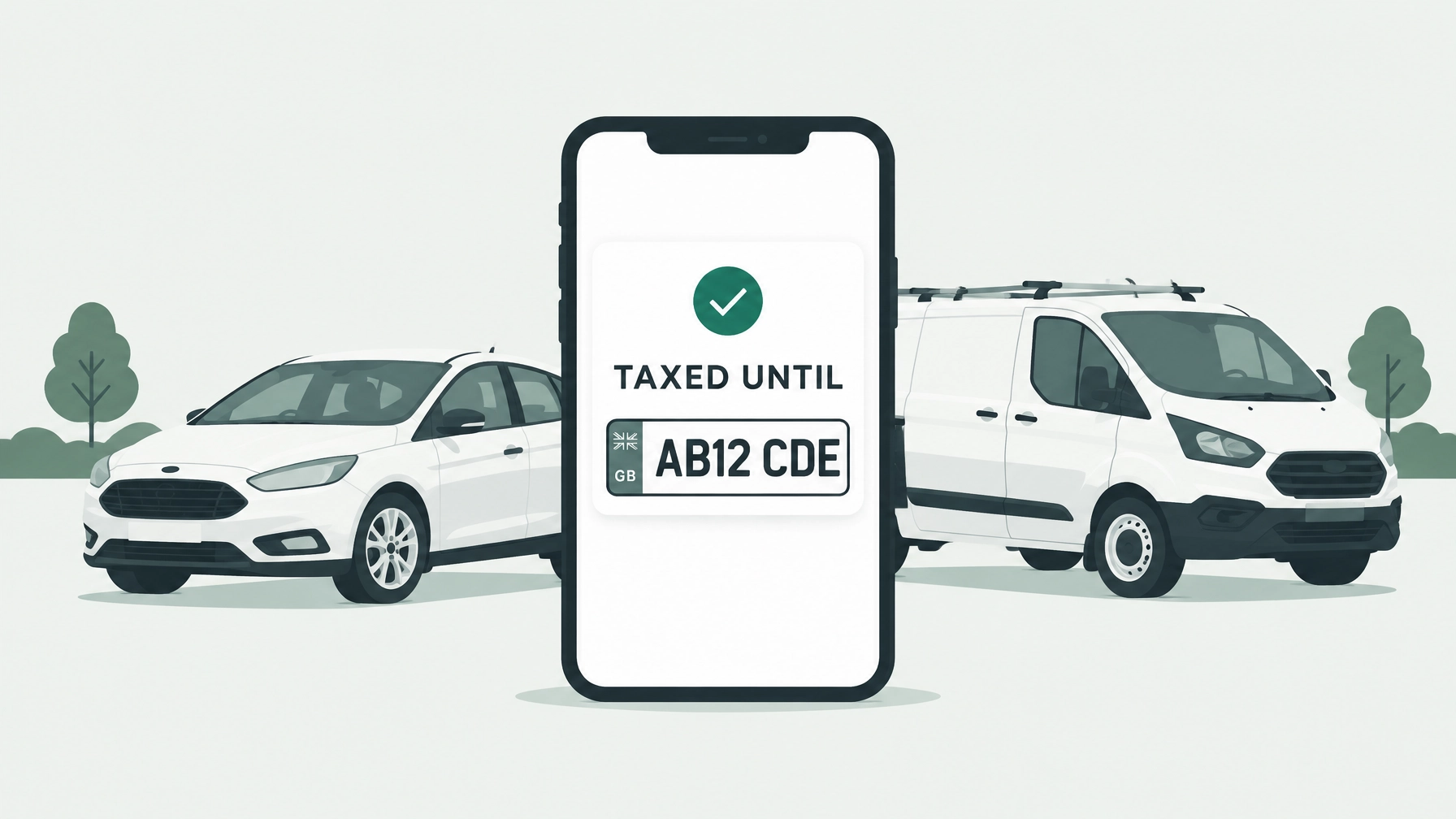
To check your vehicle tax, use the free GOV.UK vehicle tax checker: enter the registration number to see whether the vehicle is taxed or recorded as off the road (SORN). If you have several vehicles, check each one separately. You can also look up a vehicle’s tax expiry date using GOV.UK’s vehicle information service.
How to check if your vehicle is taxed
The official checker is free and only needs the registration number. It can take up to two working days for DVLA records to update after an approved tax or SORN application, so a recent change may not show straight away.
To check a car or van:
- Open GOV.UK’s vehicle tax checker.
- Enter the registration number exactly as it appears on the number plate.
- Check whether the result shows current tax or SORN. If you need the expiry date, use the vehicle information service as well.
- Repeat for each vehicle you’re responsible for, and note the dates somewhere you can find them again.
The tax checker doesn’t confirm whether a vehicle is insured. Check insurance separately, and make sure the vehicle is insured before using it on the road.

How to renew vehicle tax online
When it’s time to tax or renew your vehicle, use the GOV.UK tax service. You’ll generally need a reference from one of these:
- Your recent DVLA vehicle tax reminder letter, known as a V11.
- Your V5C log book, which must be in your name.
- The green new-keeper slip from the log book, if you’ve just bought the vehicle.
Follow the online instructions to complete the application and pay by Direct Debit or card. You still need to tax a vehicle if its tax rate is £0.
For most cars over three years old, a valid MOT is needed for the tax to start. DVLA checks its MOT records, so if a vehicle has just passed, its new result may not appear immediately. The MOT check is separate from insurance: you need appropriate insurance to drive on the road, but the public vehicle tax checker doesn’t show whether a vehicle is insured.
If you don’t have the reminder or the right log book reference, check GOV.UK’s guidance on taxing a vehicle without a V11. Some situations need different documents or steps.

Vehicle tax renewal gotchas to know
A few situations can catch people out, especially if you’re dealing with a recently bought or sold vehicle.
- A tax reminder can go astray. DVLA sends V11 reminders before renewal, but a letter can be missed or sent to an old address. Don’t rely on the letter as your only record of the date.
- Tax doesn’t transfer when you buy a vehicle. The new keeper must tax it themselves before using it on the road. Don’t assume the seller’s remaining tax covers you.
- Sellers can get a refund. Tell DVLA when you sell or transfer a vehicle. Its tax is cancelled, and DVLA automatically refunds any full months remaining. See GOV.UK’s vehicle tax refund guidance.
- SORN is for vehicles kept off the road. If you’re not taxing a vehicle because it’s off the road, you can register it as SORN. A SORN vehicle must not be driven or parked on a public road, subject to limited official exceptions.
Why tracking several tax dates gets fiddly
One car’s renewal date is usually straightforward to manage. Several vehicles are a different story. A family with three cars and a tradesperson with three vans could have six or more separate tax dates to keep an eye on, alongside MOTs, insurance renewals and servicing.
The GOV.UK checker is useful for checking one vehicle at a time, but it isn’t a shared diary of all your renewal dates. You could put the dates in a calendar or spreadsheet, but you’ll need to add them and keep them up to date yourself.

If you’re checking a vehicle’s status or renewal for the first time, see our vehicle tax checks guide. For a wider view of keeping dates together across your vehicles, read how to keep on top of MOT and tax reminders.
Motorlane Fleet lets you record each vehicle’s tax date alongside its MOT and other reminders, with alerts ahead of the dates you add. Tax dates need to be entered by you, so it helps you keep track rather than replacing the DVLA checker or your responsibility to make sure each vehicle is taxed. See how reminders work.
For more help organising your vehicles, explore our pages for families, small businesses and fleets. You can also read about driver checks, accident reporting and vehicle costs.
This is general information, not legal advice. Rules can change, so check GOV.UK for the latest guidance and speak to your insurer about your cover.
Try Motorlane Fleet with a 14-day free trial if you’d like your vehicle dates together in one place. Plans start at £4.99 a month, and drivers don’t need to download an app.
Try Motorlane Fleet
Reminders, driver checks and accident help for your vehicles, all in one app.
Get started freeMore from the blog
How to Report a Car Accident in the UK: Who to Tell and What to Record
Find out how to report a car accident in the UK, who to contact, when police must be told and what details to record for your insurer or employer.
Read →What Happens If Your MOT Expires: The Practical To-Do List
MOT expired? Follow this practical checklist to check the date, book a test, sort tax and SORN, and understand when you can drive your vehicle.
Read →Insurance Renewal Dates: How to Keep on Top of Them (and What Happens If You Don't)
Find your car insurance renewal date, build a simple reminder routine and understand what can happen if your cover lapses.
Read →